Out-of-Game Issues
Ultimate Fix Summary
Try all steps,  what you've tested, and share your results in Discord or write a support ticket.
Please make sure that:
- You are using Windows 10 or 11.
- Game folders are not Read Only in Properties. (Right Click)
- Your Windows copy is legitimate and not run in a virtual environment. No debug/insider version.
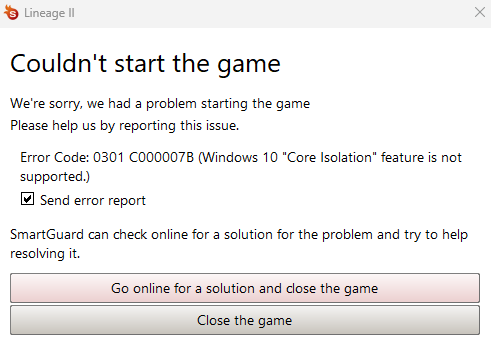
- Windows Core Isolation is disabled ! (otherwise it gives Kernel Mode Trap and you can enable it back with time)
- If you're getting
amdppm.sysBSOD, follow this tutorial. - Reborn files (l2.exe) and folders are added as exceptions/exclusions in your antivirus and firewall settings.
- ESET/BitDefender/Kaspersky/McAfee/Malwarebytes/Avast/AVG anti-viruses
- Don't care about your settings, uninstall them to run L2.
- If you’re using a touchpad, note that it may be blocked; please use a mouse instead.
- If you get stuck at the proxy selection screen, go back into the login menu again and select another proxy.
- Ensure you have the latest Visual C++ Redistributable for x86 installed.
- You have DirectX 2010 downloaded, extracted and DirectX installer ran inside extracted folder.
- Your drivers are up-to-date.
- You are logging in with your in-game account's username (e.g. le_lenny13) and not your Master Account's email.
- In some rare cases: Cache needs to be cleaned in %localappdata% : Delete
UnrealEngine,Tempand.dxcachefiles
Additionally try:
- Restarting your router
- Restarting your computer
- Disabling Riot's Vanguard, and other anti-cheats.
- Deleting your system folder and repairing your files.
- Trying reinstall/repair with mobile data or vpn.
- Doing full re-install by deleting the game folder.
- Disabling all overlay extensions: Discord, Overwolf, GameBar etc..
- Reinstalling .NET frameworks or Enable them, click on drop down and tick the options below as well.
- Updating your Windows or uninstalling a recent update if you had. (23H2 , 24H2 seems to work)
What operating systems or systems work?
- SmartGuard (the anti-cheat) only supports Windows 10/11 native.
- M1/M2 Macs (Apple Silicon) are NOT supported.
- Only works on Intel-based Macs with a Windows partition (via Boot Camp).
- Cloud Gaming doesn't work, keyboard presses through streaming software won't work.
- Virtual Machines (VMs) doesn't work, SmartGuard (the anti-cheat) prevents this.
- ARM-based processors are not supported
Does Steam Deck work?
- Yes, it does. You need to download Windows: tutorial.
- The in-game captcha might be tricky to be solved as seen in video, make sure to practice a bit with the trackpad.
- Key remap softwares: reWASD or SWICD
- Thanks for the video @royce6735!
On Shutdown PC restarts instead
Disable fast windows start up and it'll fix it , also in optional windows update should fix it
Launcher doesn't load
- Upgrade your graphic drivers and restart your computer.
- If that does not work: restart your router and computer.
- You can also try running the game directly from system.
Part of this app has been blocked
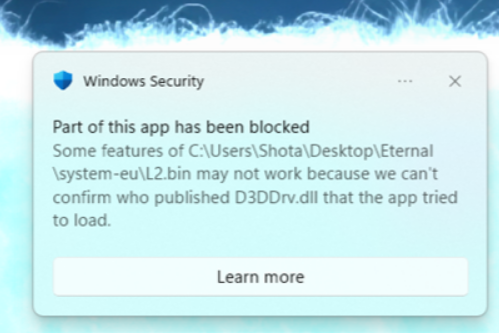
- Some features of ... may not work because we can't confirm who published..
- Solution found was to reinstall Windows and restrict windows security from regedit and enabling it back.
Reborn Launcher keeps loading infinitely
Connect to a VPN/Mobile Data and download + run these two:
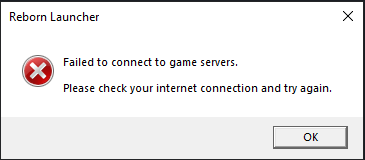
Reborn Launcher failed to connect to game servers.
Restart your Router + PC.
Discord Permissions Fix
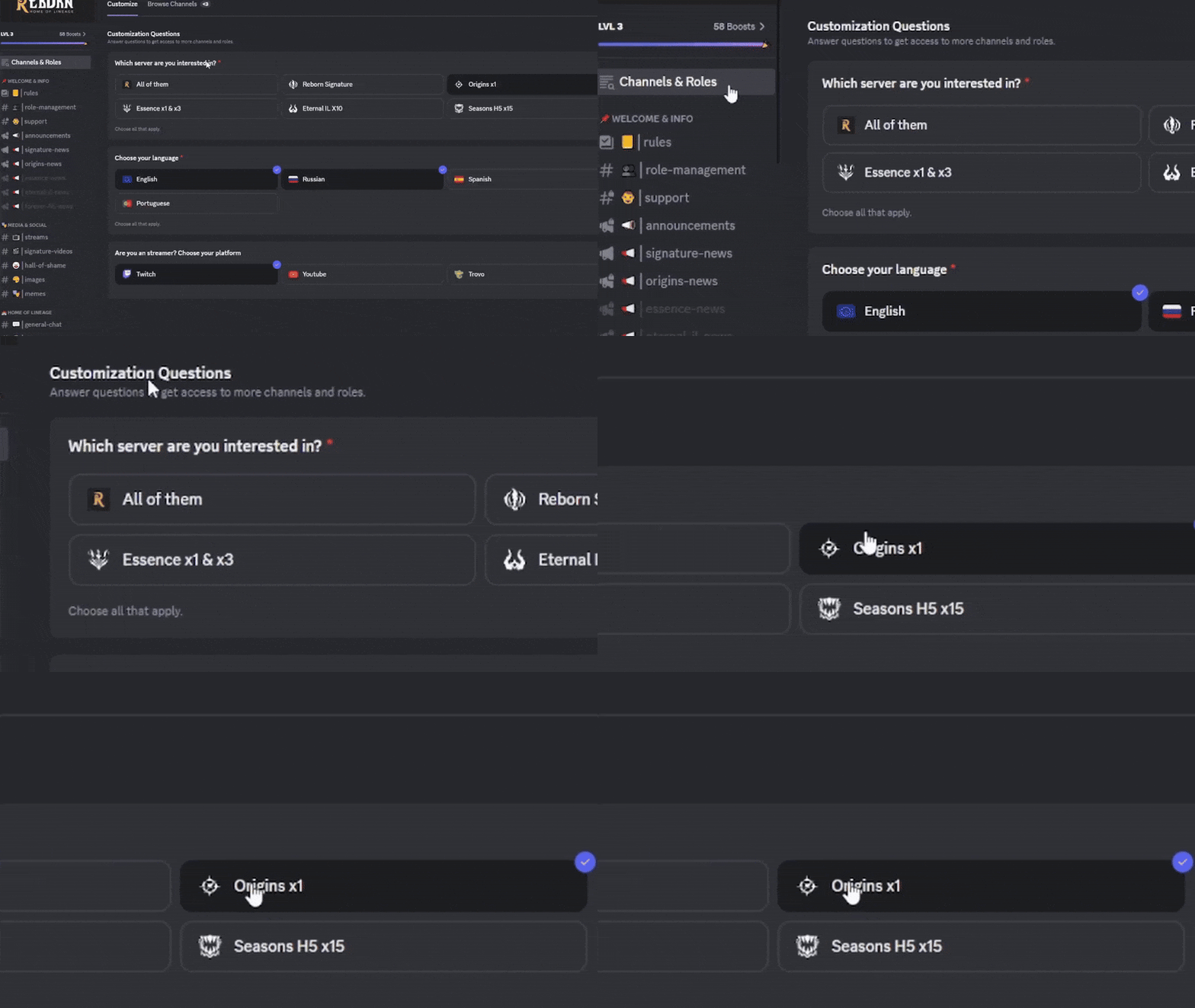
If you can't see certain discord channels, assign yourself the Origins role.
Missing Account on Website
Make sure that you are not on the correct Master Account.
- If you are: Exit the Account and clear the cookies and refresh.
Setup / Windows Installer Fail
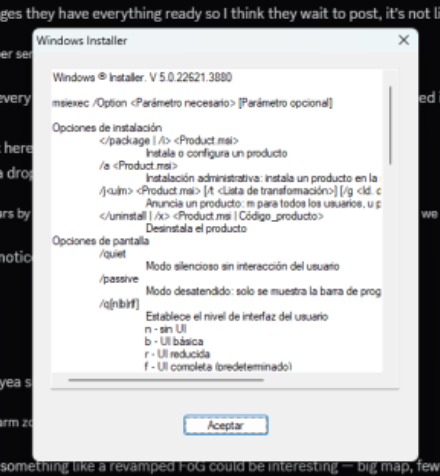
Reinstall .NET frameworks, or enable them in Turn Windows features on or off.
How to play Riot's games?
Invalid SafeAuth
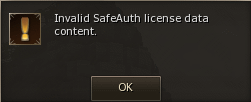
Save l2reborn_easylogin.ini file to Desktop, it contains your passwords.
- Put it back in System folder after the install is done and don't share that file. Ever.
Save l2reborn_easylogin.ini to Desktop, Delete your System folder and do Repair.
New Launcher/Updater
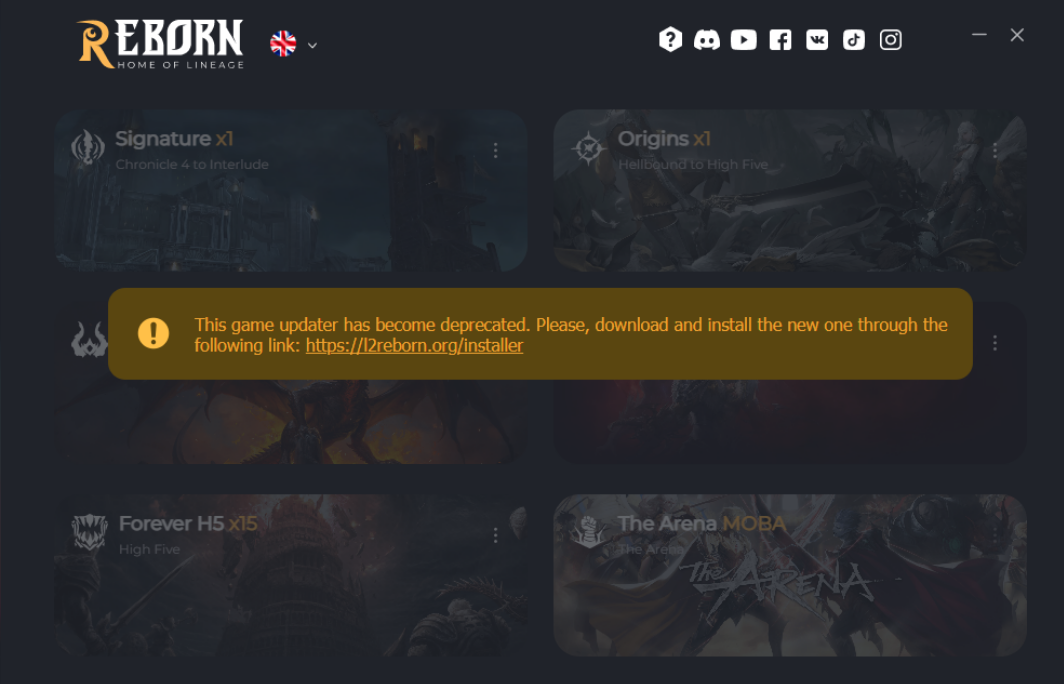
The old install is not being updated any more, please download the new updater.
Once you click "Install" it should offer you to import existing game install. If it does not detect existing game, you can manually point the install path.
It offers:
- Better file compression system
- File verification
- Faster and more efficient client repair
- Multi CDN support for different regions
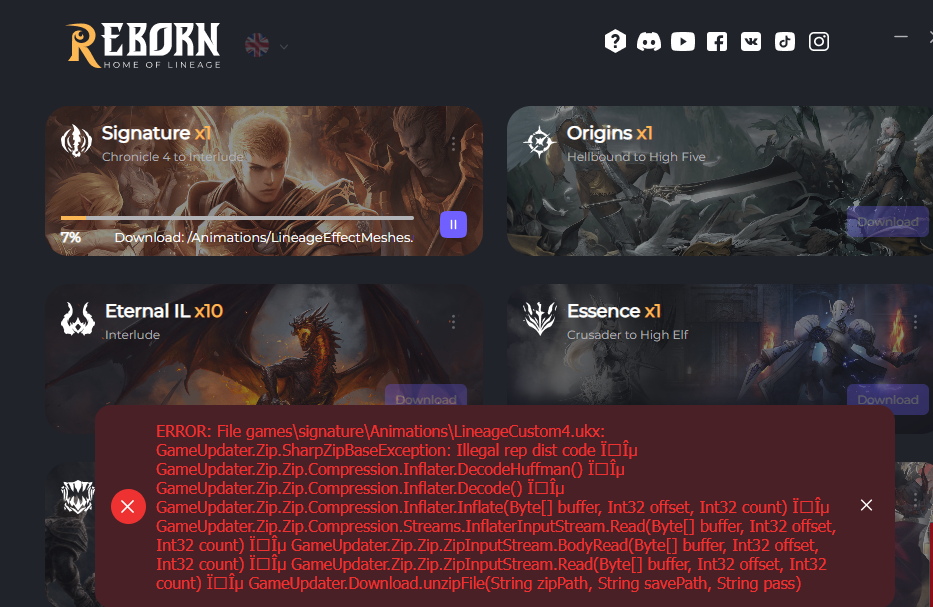
Client Red Error
Close Updater, delete that file that has problem, re-launch Updater.
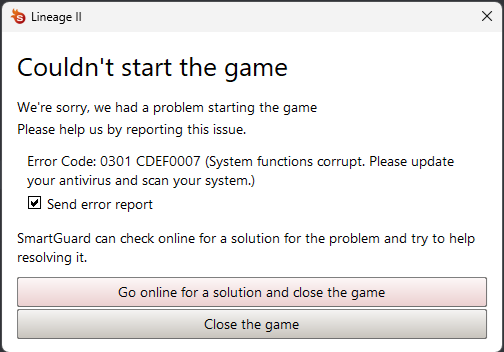
0301 CDEF0007
-
Method 1: Uninstall the Latest Update (for Minor Updates)
-
Open Settings → Press Win + I
-
Go to Update & Security → Windows Update
-
Click View update history
-
Select Uninstall updates
-
Find the most recent update, select it, and click Uninstall
-
Restart your computer
Credit: @mefox_ @abeisede
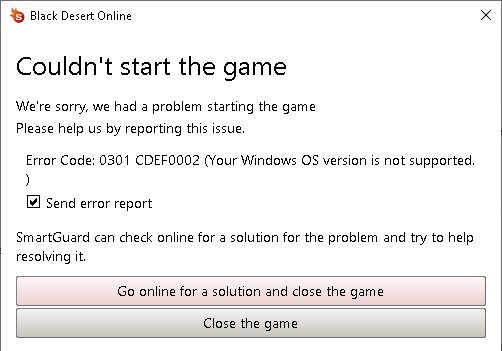
0301 CDEF0002
Make sure you have Windows 10/11 and no 'Insider Mode' or other Beta/Debug features enabled. Might require fresh Windows install with formatting PC.
0301 0000135 / 0xc0000135
- Download and Run: All in One VC Redistributables (This solution fixes it most of the time)
- Latest Windows 11 version might not be supported by SmartGuard, wait ~3 days for SmartGuard to catch up or revert the update.
- Please make sure that you are not missing a file.
0301 CDEF001
Disable system's debug mode: here
0301 000001B1
Try everything from here
0xc0000409
- On Eternal this was fixed by adding the
1024 Cacheaddon from Eternal files. - Could also try cleaning cache files in
%localappdata%: DeleteUnrealEngine,Tempand.dxcachefiles - This might be related to 12th gen intel PCs
0xc000041d
Anti-virus is blocking Smartguard
Uninstall the anti-virus (AVG, ESET ...) or add L2Reborn/Smartguard files/folders as Anti-virus Exceptions. Antiviruses can disregard exceptions, uninstalling is recommended.
This forum post might help too.

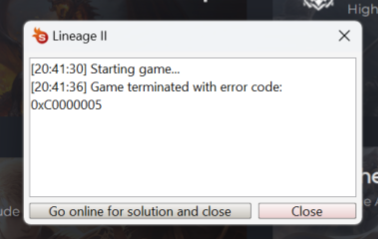
0xC0000005 / 0401 00000005
Restart your computer and/or save l2reborn_easylogin.ini, delete /system/ folder and run Repair in the Launcher.
0301 CDEF000 / 0301 C000007B
Turn Core Isolation off and restart your PC.
0301 0000041D
It seems like this error comes from new AMI BIOS + Driver updates, roll them back.
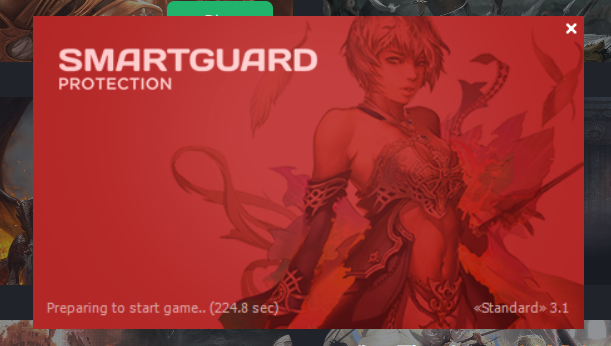
SmartGuard stuck loading
Reboot your PC and Router.
- Temporary fix: Use a VPN or Mobile Data to connect.
I tried everything from above
If you are still having issues after Ultimate Fix Summary and the above posts, check out this page, let us know in the Discord or write a support ticket..